Close Menu
Bharat Speaks
  • Trending
  • Motivation
  • Health
  • Education
  • Development
  • About Us
What's Hot

Despite Drop in Beer Sales, Delhi Excise Revenue Rises Sharply

January 17, 2026

Rs 407 Crore, 18,000 Beggars: Fact or Fiction? Viral Story Under Scrutiny

January 17, 2026

Noida’s Signature Project: International Convention & Habitat Centre Planned Near Kalindi Kunj

January 17, 2026
Facebook X (Twitter) Instagram
Bharat Speaks
Subscribe
  • Trending
  • Motivation
  • Health
  • Education
  • Development
  • About Us
Bharat Speaks
Home»Trending»Aadhaar Update at Home: Simple Process to Change Name, Address and Mobile Number
Trending

Aadhaar Update at Home: Simple Process to Change Name, Address and Mobile Number

Sharad NataniBy Sharad NataniJanuary 2, 2026No Comments2 Mins Read
Facebook Twitter LinkedIn Telegram WhatsApp Email
Share
Facebook Twitter LinkedIn Pinterest Email

The Aadhaar Card is no longer just an identity document—it has become the backbone of almost every essential service in India, from banking and government schemes to mobile connections and income tax filings. However, the Aadhaar card is useful only when the details mentioned on it are accurate and up to date. Recognising this need, the Unique Identification Authority of India (UIDAI) has made the Aadhaar update process simpler, faster, and more accessible through its latest mobile application.

Earlier, updating details such as name, address, or mobile number required visiting an Aadhaar Seva Kendra, standing in long queues, and going through strict verification procedures. Now, with the help of the new Aadhaar App, most updates can be completed from home using OTP or face authentication.

Before starting the process, users are advised to download the official Aadhaar App on their smartphones and ensure that their mobile number is linked with Aadhaar for verification.
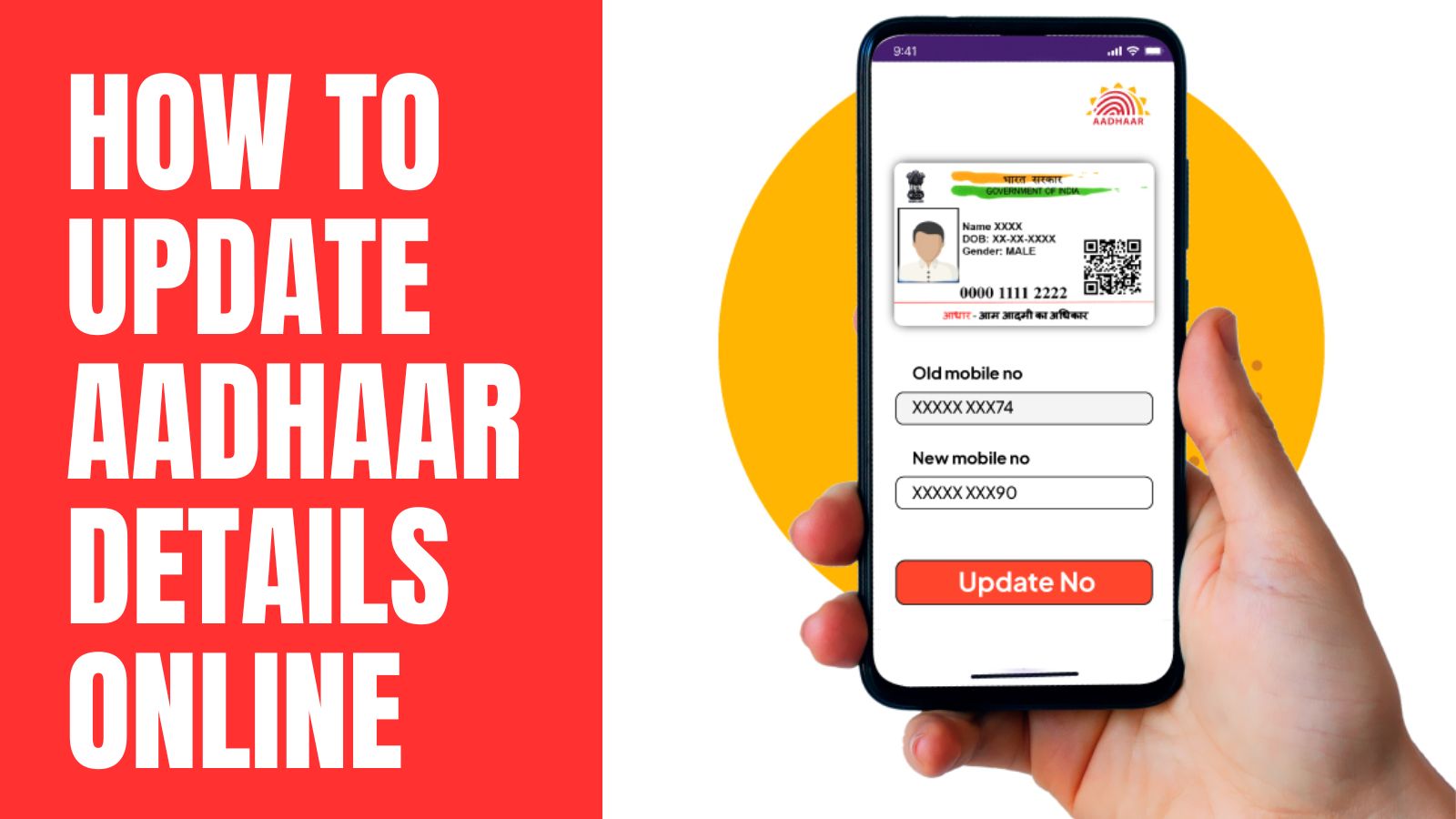
How to Change Name in Aadhaar Using the App

●Log in to the Aadhaar App using your Aadhaar number and OTP.
●Select “Update Aadhaar Online”.
●Choose the Name Update option.
●Upload the required supporting documents and enter correct details.
●Pay the applicable update fee and submit the request.
●Track the update status directly from the app.

How to Update Mobile Number in Aadhaar

●Open the Aadhaar App and select Update Aadhaar Online.
●Complete verification using OTP or face scan.
●Enter the new mobile number.
●Submit the request after paying the required fee.
●Track the status online.

How to Update Address in Aadhaar

●Go to the Aadhaar App and choose Update Address Online.
●Upload valid address proof documents.
●Enter the correct address details.
●Complete the payment and submit the request.

The update progress can be monitored online.

UIDAI ensures transparency by allowing users to track the status of their request at every stage. Once approved, the updated Aadhaar details reflect across all linked services automatically.

With this digital push, UIDAI aims to reduce dependency on physical centres and empower citizens with hassle-free identity management—making Aadhaar updates faster, safer, and more convenient than ever.

📲 Join Our WhatsApp Channel
Algoritha Registration
Share. Facebook Twitter Pinterest LinkedIn Tumblr Telegram Email
Previous ArticleGreater Noida Sets National Benchmark with India’s First Government AI Clinic
Next Article Married Daughter Has Equal Rights in Father’s Property: What Indian Law Clearly States
Sharad Natani

Related Posts

Despite Drop in Beer Sales, Delhi Excise Revenue Rises Sharply

January 17, 2026

Rs 407 Crore, 18,000 Beggars: Fact or Fiction? Viral Story Under Scrutiny

January 17, 2026

Noida’s Signature Project: International Convention & Habitat Centre Planned Near Kalindi Kunj

January 17, 2026
Add A Comment
Leave A Reply Cancel Reply

Top Posts

Subscribe to Updates

Get the latest sports news from SportsSite about soccer, football and tennis.

Welcome to BharatSpeaks.com, where our mission is to keep you informed about the stories that matter the most. At the heart of our platform is a commitment to delivering verified, unbiased news from across India and beyond.

We're social. Connect with us:

Facebook X (Twitter) Instagram YouTube
Top Insights
Get Informed

Subscribe to Updates

Get the latest creative news from FooBar about art, design and business.

© 2026 Bharat Speaks.
  • Trending
  • Motivation
  • Health
  • Education
  • Development
  • About Us

Type above and press Enter to search. Press Esc to cancel.